
Beginner
Stumble Guys Basic Controls Explained for Mobile
Key takeaways
- Use the largest comfortable stick size; precision beats screen space.
- Dive has recovery time — it is a commitment, not a panic button.
- Raise camera sensitivity until you can track a hazard without stopping.
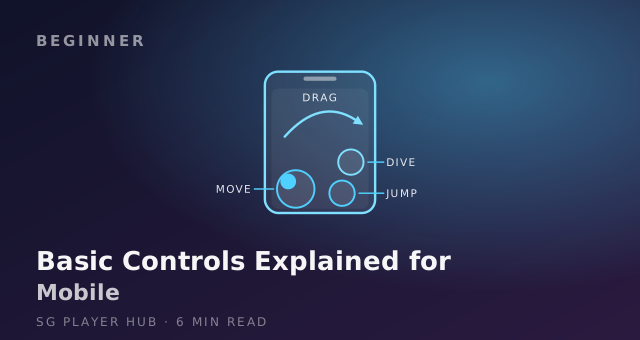
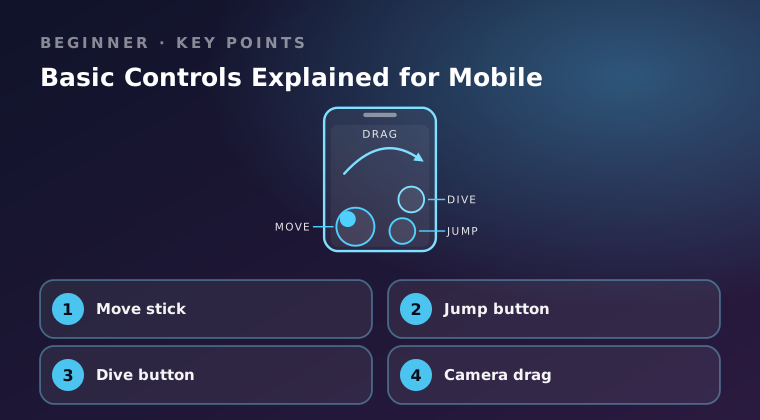
Stumble Guys on mobile has four touch inputs: a move stick on the left, a jump button on the right, a dive button beside it, and a camera drag anywhere on the free part of the screen. Knowing what each one is for — and when not to press it — is the difference between clearing a bar and tumbling off a ledge. Here is every control, what it does, and how to set it up.
Move stick
The stick on the left controls direction and speed. It is not a switch: a small deflection gives you fine steering near edges, full deflection gives you top speed on straights. Most new players hold full deflection everywhere and then wonder why they slide off corners.
- Set the stick size in the options menu so the base sits under the pad of your thumb, not under the tip. If your thumb can slide out of the ring, it is too small.
- Ease off a few degrees before a corner, then push again on the exit. Full stick through a turn costs you the tile you needed.
- Keep the thumb inside the ring. If you slide off the edge of the stick, your character stops steering while your brain still thinks it is turning.
- Rest the phone on something solid. A device balanced on your fingertips moves every time you push the stick.
Leave sensitivity at the default for a day before changing it. Overshooting is far more often a stick-size or camera problem.
Jump button
Jump is your clearance button, used for low bars, spinning arms, ramps and small steps up. Height and distance both depend on how you are moving when you press it: a jump from a standstill goes up, a jump at full stick goes forward.
- Press jump while the stick is already forward. Pressing jump first and then steering wastes most of the arc.
- Aim to land on the middle of the next platform, not on its edge. Landing short is the single most common elimination on race stages.
- One jump per obstacle. A second jump while airborne does nothing except hide your landing spot from you.
- If the gap looks wider than a jump can carry, that is a dive situation, not a jump situation. Decide before you leave the ground.
Dive button
Dive launches your character forward in a short arc, covering roughly two body lengths. It crosses gaps that a jump cannot, reaches platforms that are just too far, and gets you down flat ground quickly — but it ends with a brief recovery where you cannot steer.
- Press it at the lip of the gap. Diving early drops you into the hole; diving late clips the edge and spins you.
- Never dive into a crowd or towards a tile you have not looked at, because you cannot correct the landing.
- Use dive as your last resort near edges, not your default. A dive that misses is unrecoverable, while a failed jump often still leaves you standing.
- After landing, hold the stick forward through the recovery so you are moving the instant control returns.
Camera drag
Dragging a finger across the empty area of the screen swings the camera. It is the control new players use least and need most, because nearly every "I did not see it" moment is a camera problem.
- Drag the camera before the obstacle. Adjusting while you are mid-jump is already too late.
- Keep it behind you on narrow paths so you can see two obstacles ahead, not one.
- Pull it back further on bridges and shrinking platforms so both the tile you are leaving and the tile you are aiming for are visible.
- Recentre immediately after a knockdown. Getting up with the camera facing a wall is how one fall becomes two.
- Do not drag with your stick thumb. Use the other hand, or drag during a straight section where you can release the stick for a moment.
Final word
Steer with small corrections near edges, jump while already moving forward, save dive for real gaps, and keep the camera behind you at all times. Set the stick size once, then spend your attention on timing rather than on fighting the controls.
Keep reading
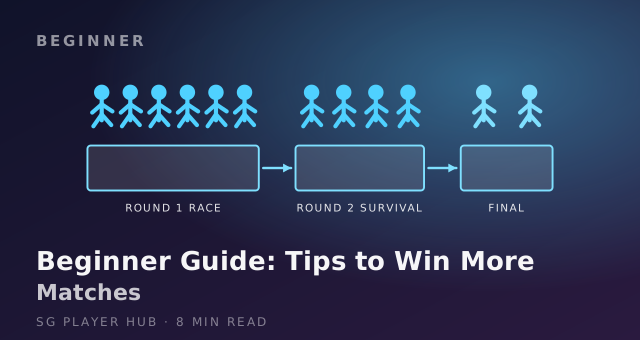
Stumble Guys Beginner Guide: Tips to Win More Matches
New to Stumble Guys? This beginner guide covers the controls, the three round types and the simple habits that turn random runs into steady wins.
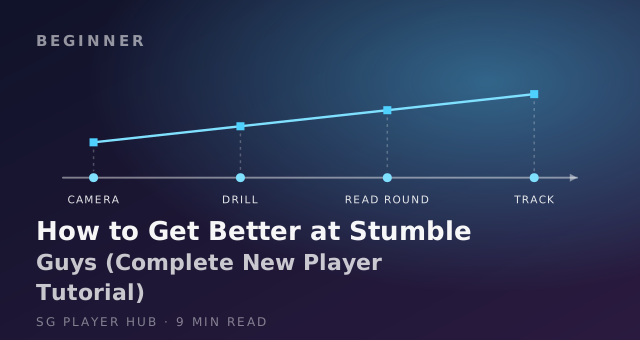
How to Get Better at Stumble Guys (Complete New Player Tutorial)
A step-by-step Stumble Guys tutorial for new players: movement, timing, round reading and practice drills that raise your win rate fast.
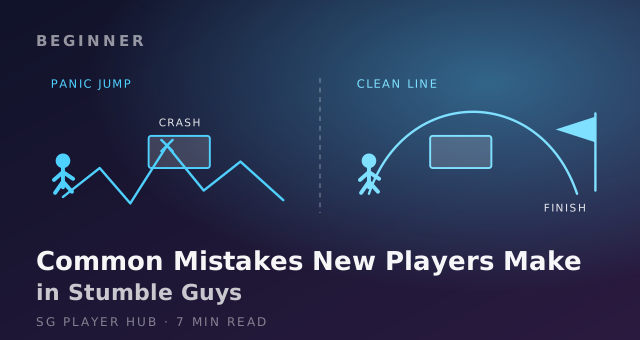
Common Mistakes New Players Make in Stumble Guys
The most common Stumble Guys mistakes new players make, from panic jumping to bad camera angles and crowded lines, plus the quick fix for each one.