
Fixes
Fix Stumble Guys Crashing on Android & iOS
Key takeaways
- Low storage is the most common crash cause on both platforms.
- Check for a pending system update before reinstalling anything.
- If it only crashes in one round, it is a rendering issue, not your device.
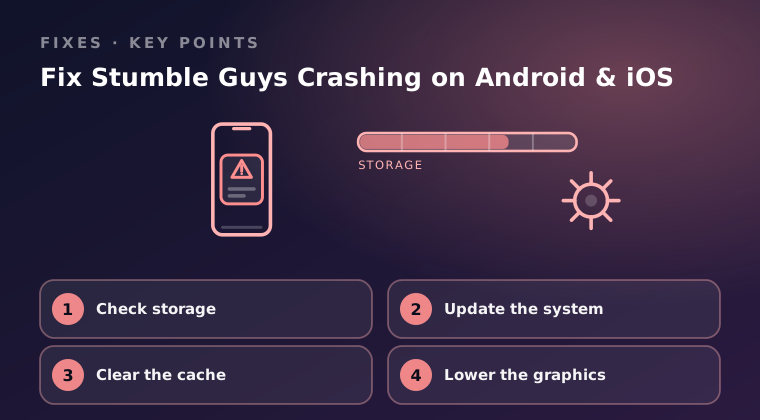
Most Stumble Guys crashes on Android and iOS come down to four things: a full storage drive, an outdated operating system, corrupted cached data, or graphics settings your device cannot sustain. Work through the fixes below in order, because the first two cost you nothing and solve the majority of cases.
Check storage
A phone with almost no free space has nowhere to write temporary files, and Stumble Guys will close the moment it needs one. This is the most common cause of a crash right after a round starts, so always rule it out first.
Aim to keep at least 2 GB free. Photos and offline video are usually the biggest space hogs, and clearing a few large files takes seconds.
- On Android, open Settings > Storage and look at the free space figure at the bottom.
- On iOS, open Settings > General > iPhone Storage and wait a moment for the bar graph to finish calculating.
- If you are under 1 GB, delete offline downloads, old videos, or unused apps until you are comfortably above 2 GB.
- Relaunch Stumble Guys from Google Play or the App Store listing and try one round.
Update the system
Game builds target recent operating system releases, and a device running software several versions behind often lacks the libraries the game expects. An OS update also patches memory-handling bugs that show up as crashes under load.
- On Android, open Settings > Software update (on some phones it sits under System or About phone) and tap Download and install.
- On iOS, open Settings > General > Software Update and install anything pending.
- Restart the device after the update finishes, even if the phone does not prompt you.
- Open Google Play or the App Store and confirm Stumble Guys itself has no pending update, then test again.
Clear the cache
Cached assets can become corrupted after an interrupted download, and a damaged file will crash the game every time it tries to load that asset. Clearing the cache removes the broken data without touching your progress, because your account is stored on the game servers.
- On Android, open Settings > Apps > Stumble Guys > Storage and tap Clear cache. Do not tap Clear data unless you are prepared to sign in again.
- On iOS there is no per-app cache control. Instead offload the app at Settings > General > iPhone Storage > Stumble Guys > Offload App, which keeps your documents while removing the app binary.
- Reinstall from Google Play or the App Store if you offloaded on iOS.
- Force-close the game, reopen it, and play two full rounds to confirm stability.
Lower the graphics
Thermal throttling is the last big crash trigger. When a phone overheats, the processor slows and the GPU drops frames until the game becomes unstable and closes. Lowering the visual workload keeps temperatures down and often stops the crashing entirely.
- Open Stumble Guys, go to Settings, and drop the graphics quality one notch.
- Turn off high frame rate mode if your device offers it, and disable any non-essential visual effects.
- Remove the phone case, avoid charging while playing, and stay out of direct sunlight during long sessions.
- Close everything else before you queue so the CPU has headroom.
If the game still crashes after all four steps, note your device model, OS version, and the exact moment it fails, then report it through Settings > Help & Support inside the game. That in-game flow is the official channel, and it attaches the diagnostic data the support team needs.
Final word
Work cheapest-first: free up storage, update the operating system, clear the cache, then reduce graphics settings. Only install or update the game through Google Play or the App Store, and never take an install file from a third-party site or file host, since those files can carry malware and can cost you your account. If crashes continue on a fully updated device with plenty of storage and low settings, contact official support through the in-game Help & Support menu with your device model and OS version so they can investigate your specific case.
Keep reading
Stumble Guys Login Failed – Troubleshooting Guide
Stumble Guys login failed errors usually come from accounts, network or cached data. Here is the troubleshooting order that solves them.

How to Fix High Lag in Stumble Guys Mobile
High ping and stutter ruin race rounds. Follow these steps to cut lag in Stumble Guys on mobile: network, background apps and in-game settings.

Stumble Guys Not Updating from Google Play Store
Stumble Guys will not update from Google Play? Check storage, cache and account issues first, then the fixes that force the install through.